










KODAK Dock Plus 4×6” Photo Printer, 50 Sheets, Docking & Bluetooth Smartphone P…
Original price was: $139.99.$109.99Current price is: $109.99.
Price: $139.99 - $109.99
(as of Jul 14, 2026 17:28:37 UTC – Details)

Product description
The video showcases the product in use.The video guides you through product setup.The video compares multiple products.The video shows the product being unpacked. Kodak Dock Plus


1 Best Price
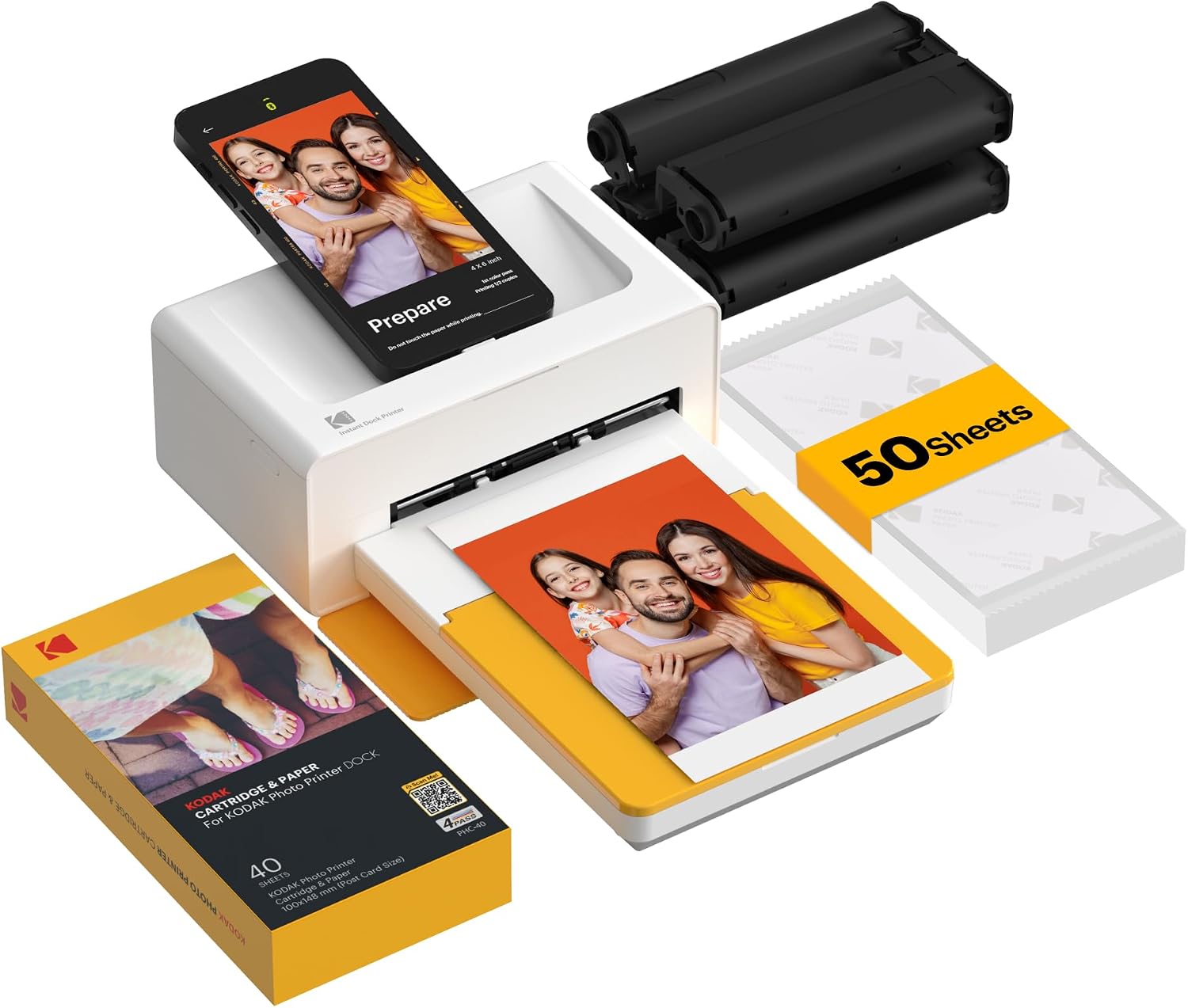
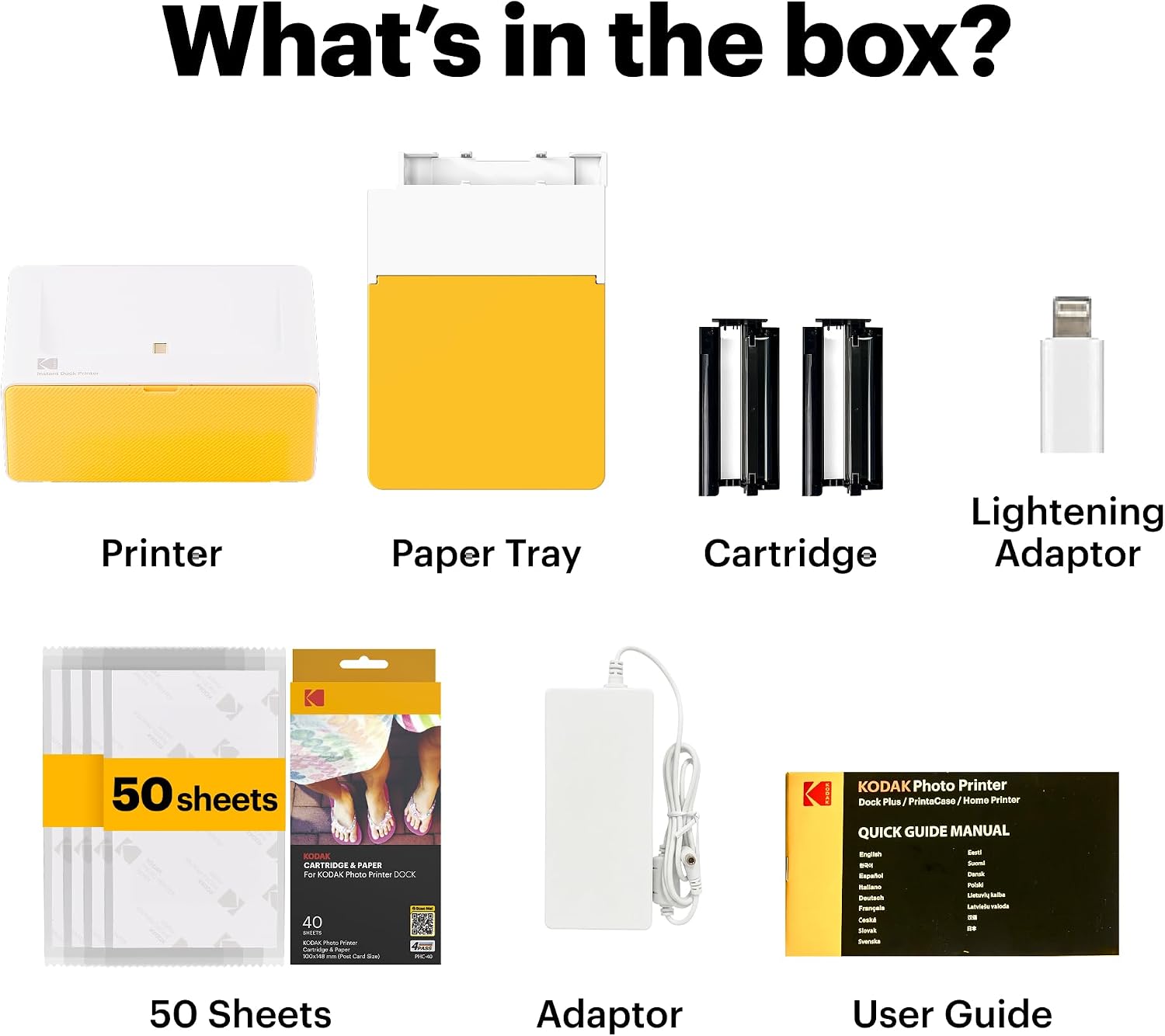
2 What’s in the box


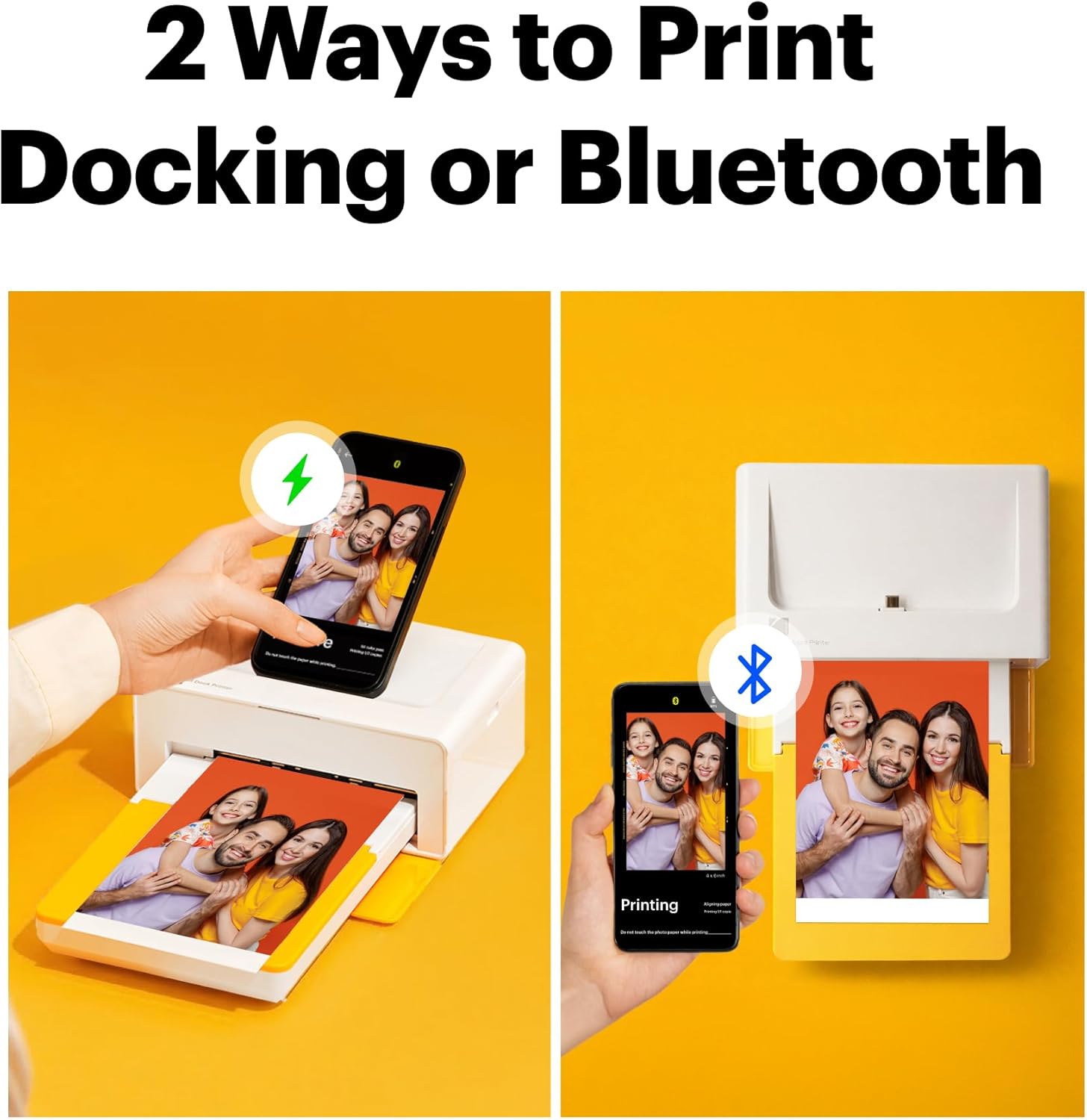
1 Dock & Wireless
2 Print Size


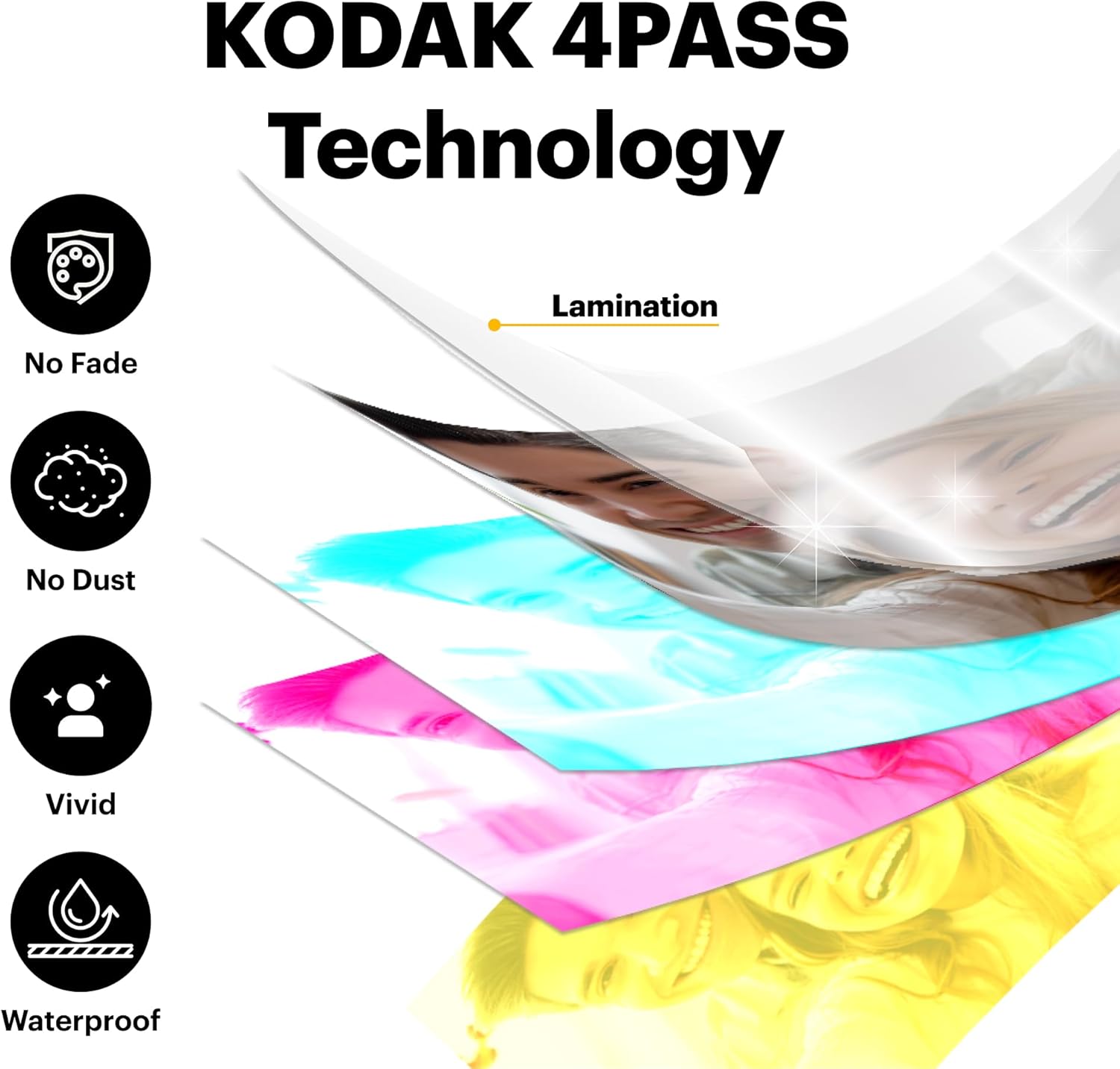
1 4PASS Technology
2 App

What photo paper and cartridge should be used for the Kodak Dock Plus printer?
Official Kodak photo paper and cartridge (PHC-80) must be used for the Kodak Dock Plus photo printer, which can be found on Amazon.
What’s included in the package?
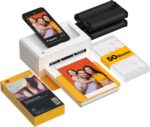
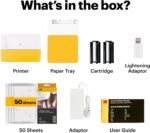
– All products come with a photo printer with user manual, power adapter, iPhone Lightning adaptor, initial cartridge and 10 photo papers.
– All bundles come with additional 40 sheets of photo paper and cartridge.
How do I download the Kodak Photo Printer App, and what can I do with it?
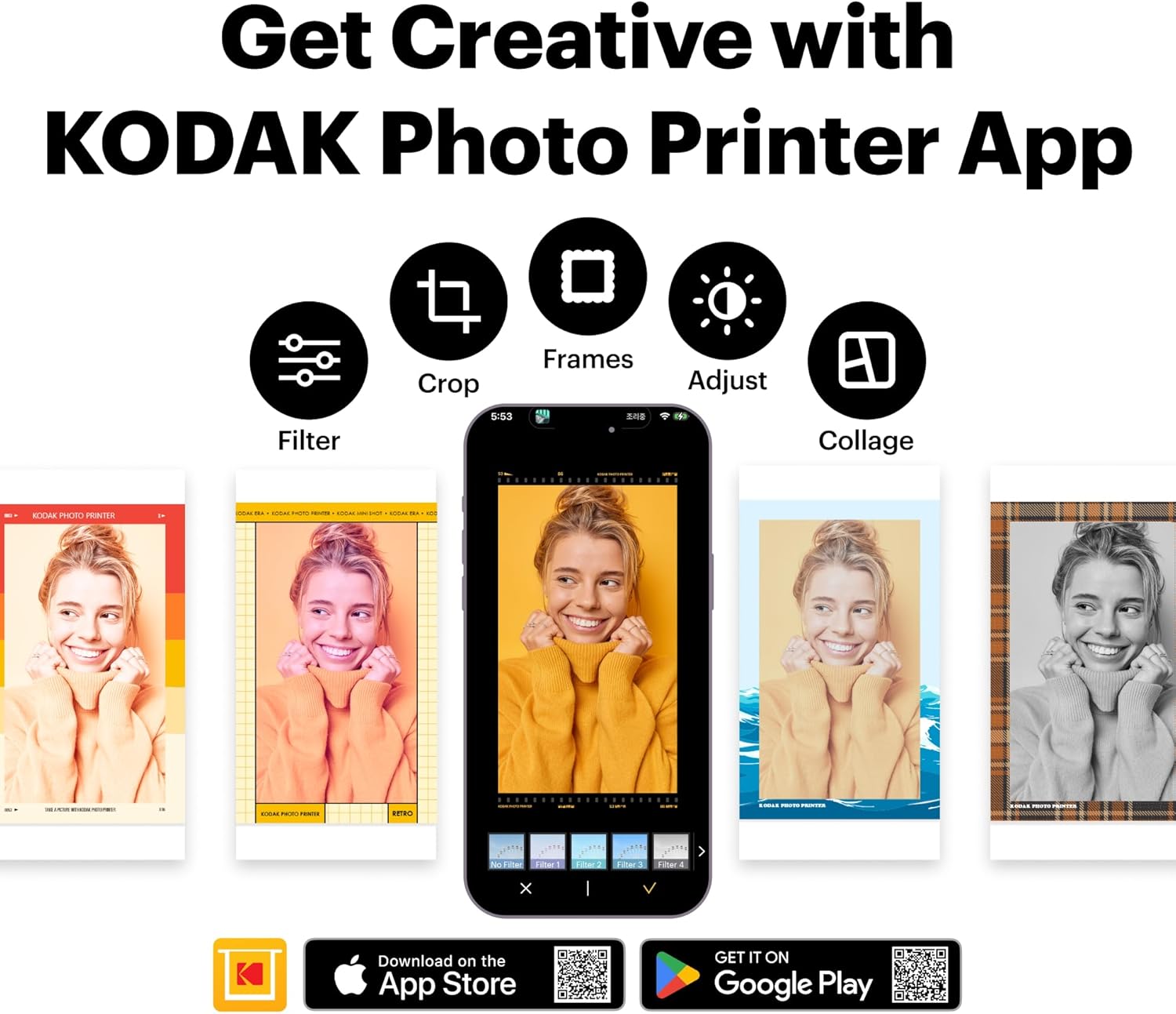
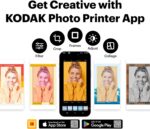
Search for and download the free Kodak Photo Printer app from the Google Play Store or Apple App Store. With the free Kodak Photo Printer App, you can create frames and make many edits on your photos.
What should I do if there is an issue with the product?
Please do not hesitate to contact support regarding your product and we will do everything we can to help you solve the issue.
Is the Kodak Dock Plus printer compatible with computers?
No. The Kodak Dock Plus is designed for mobile devices, allowing you to print directly from your iPhone or Android using the Kodak Photo Printer App. Simply connect via Bluetooth to turn favorite moments into beautiful 4×6 prints—no computer needed.
PRINT HAPPINESS with KODAK
Add to Cart
Add to Cart
Add to Cart
Add to Cart
Add to Cart
Customer Reviews
4.2 out of 5 stars 19,366
4.3 out of 5 stars 4,869
4.2 out of 5 stars 696
3.8 out of 5 stars 27
4.2 out of 5 stars 11,818
Price
$109.99$109.99
$109.99$109.99
$69.99$69.99
$29.99$29.99
$79.99$79.99
Bluetooth
✔
✔
✔
✔
✔
Docking
✔
✔
✘
✘
✘
Portable
✔
✔
✔
✔
✔
Paper Size
4×6 Inches
—
2.7×1.8 Inches
0.5×1.2 Inches
2.1×3.4 Inches
Usage
Home Photo Printer
—
Label & Sticker Making
Label & Sticker Making
Portable Photo Printer
Printing Technology
Dye-Sublimation
—
Thermal Technology
Thermal Technology
Dye-Sublimation
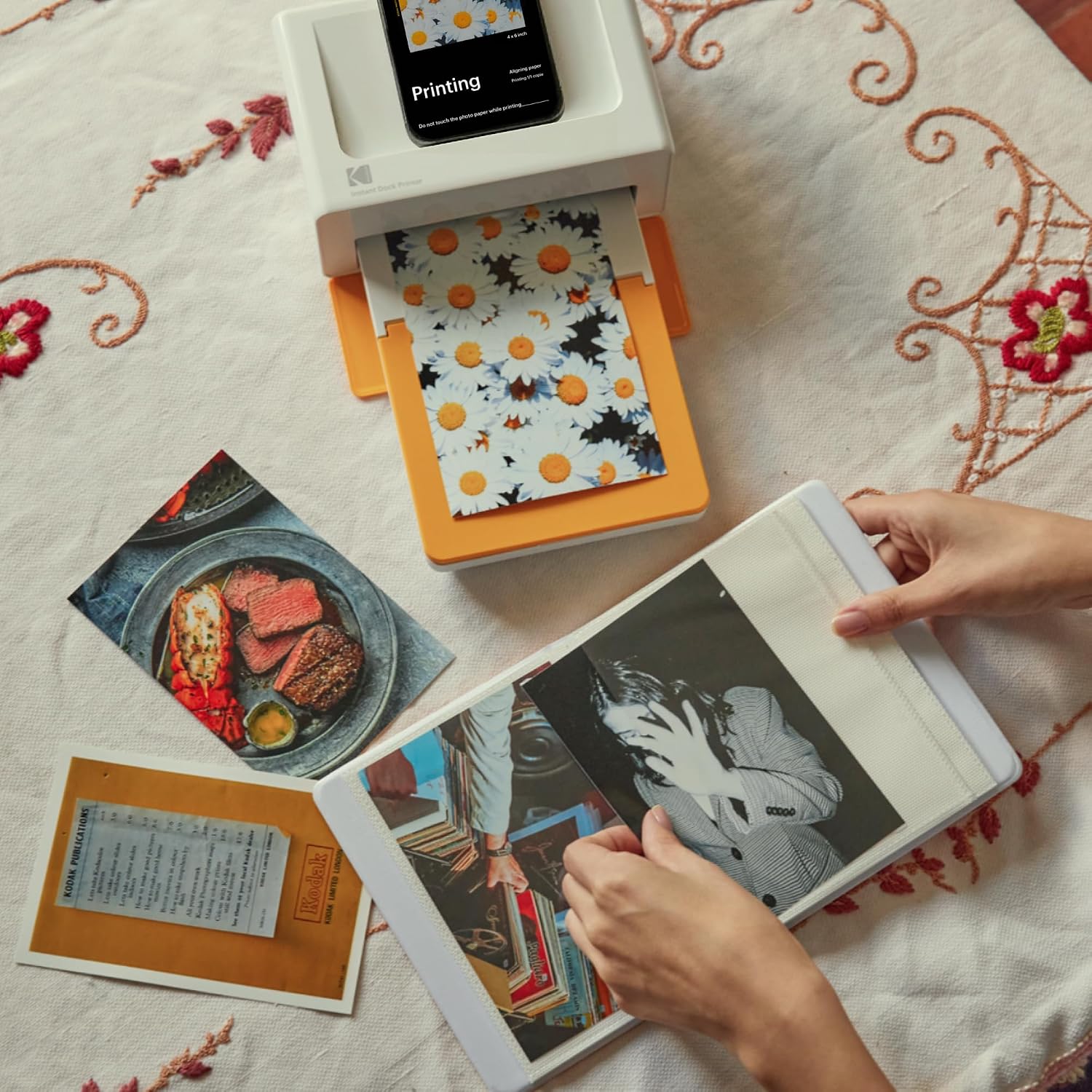
Dock Photo Printer: The KODAK Dock Plus is a home photo printer that produces high-quality 4×6” prints directly from compatible smartphones. Featuring an integrated docking station, users can place their phone on the printer for better connection while simultaneously charging the device during printing.
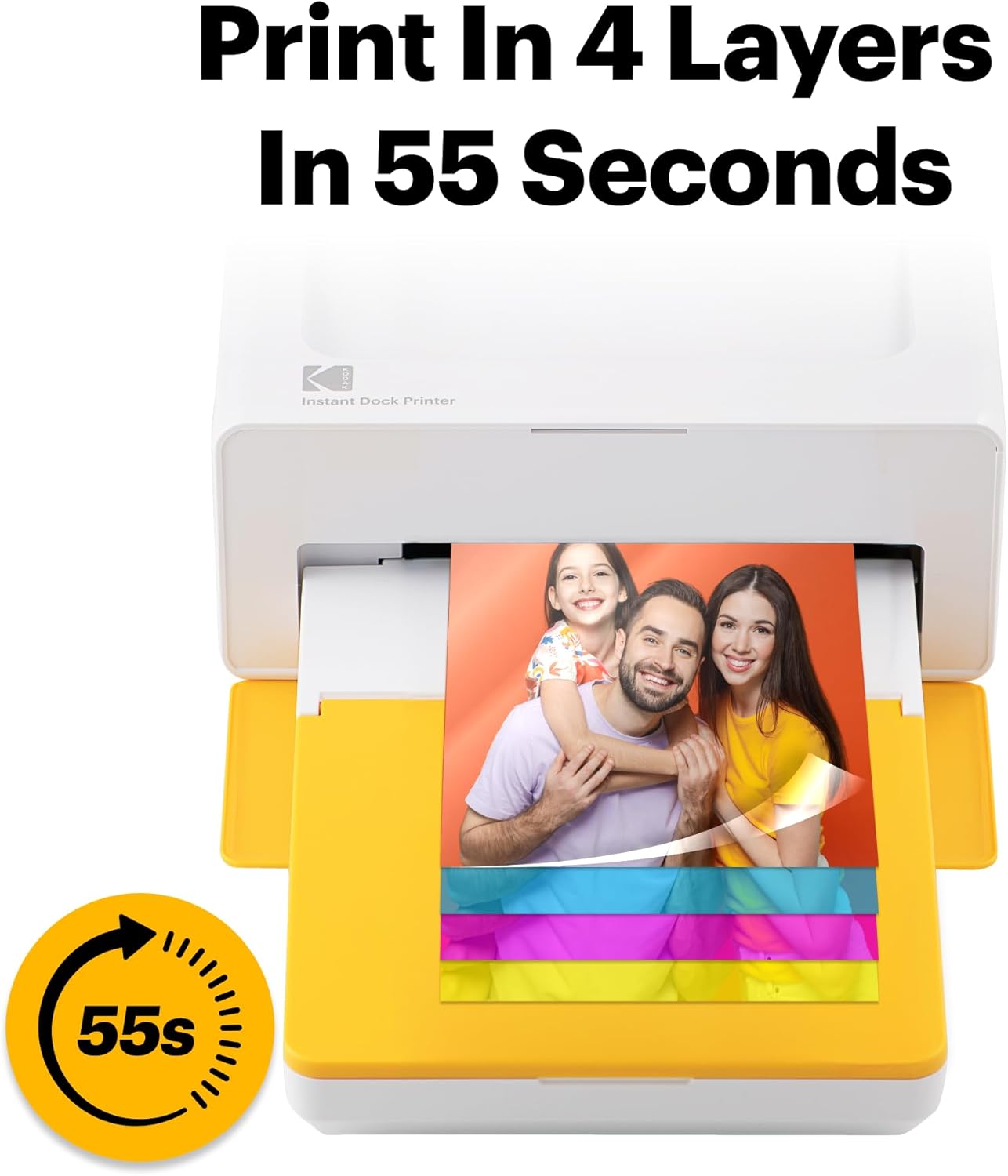
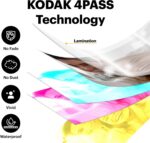
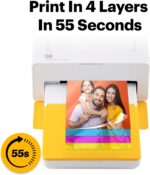
Genuine 4PASS dye sublimation printing: Each photo is produced in three color layers and finished with a clear protective lamination layer. In approximately 55 seconds, you receive a smooth, detailed print designed to resist fingerprints, water, and fading for long-lasting quality.
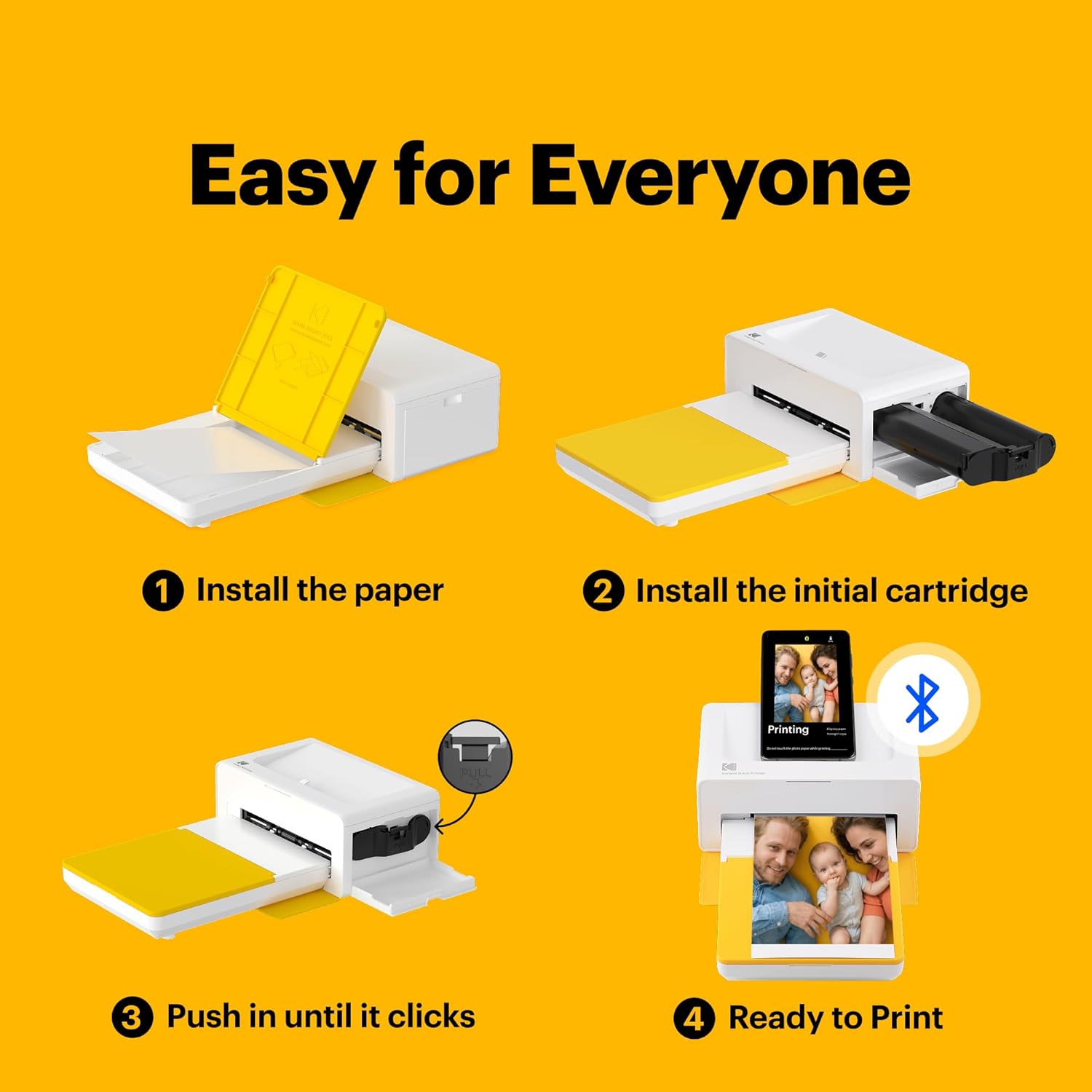
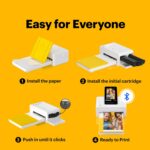
Easy to Use: Print photos quickly without complicated setup or technical steps. Simply power on, connect wireless bluetooth, and start printing within seconds. The Dock Plus is built for straightforward operation, making it ideal for first time users and everyday photo printing.
Home Printing Station: Designed for stable desktop use, this dock photo printer connects to a power outlet for consistent performance and larger 4×6” prints. Ideal for home printing, photo albums, framing, family events, and everyday picture printing.
KODAK Photo Printer APP: Featuring integrated Bluetooth connectivity, this portable printer connects to compatible iOS and Android devices through the KODAK Photo Printer app. Edit, crop, and customize your photos before printing for creative results.



















Reviews
There are no reviews yet.